Support Forum
Saving in an OA environment
User
LayoutEditorFull
Wednesday 4th March 2026
Attachments:
(only for registered users)
schematic.png
LayoutEditorOpenAccessInfo.png
LicenseInfo.png
CellInfo.png
first_instance_error_example.png
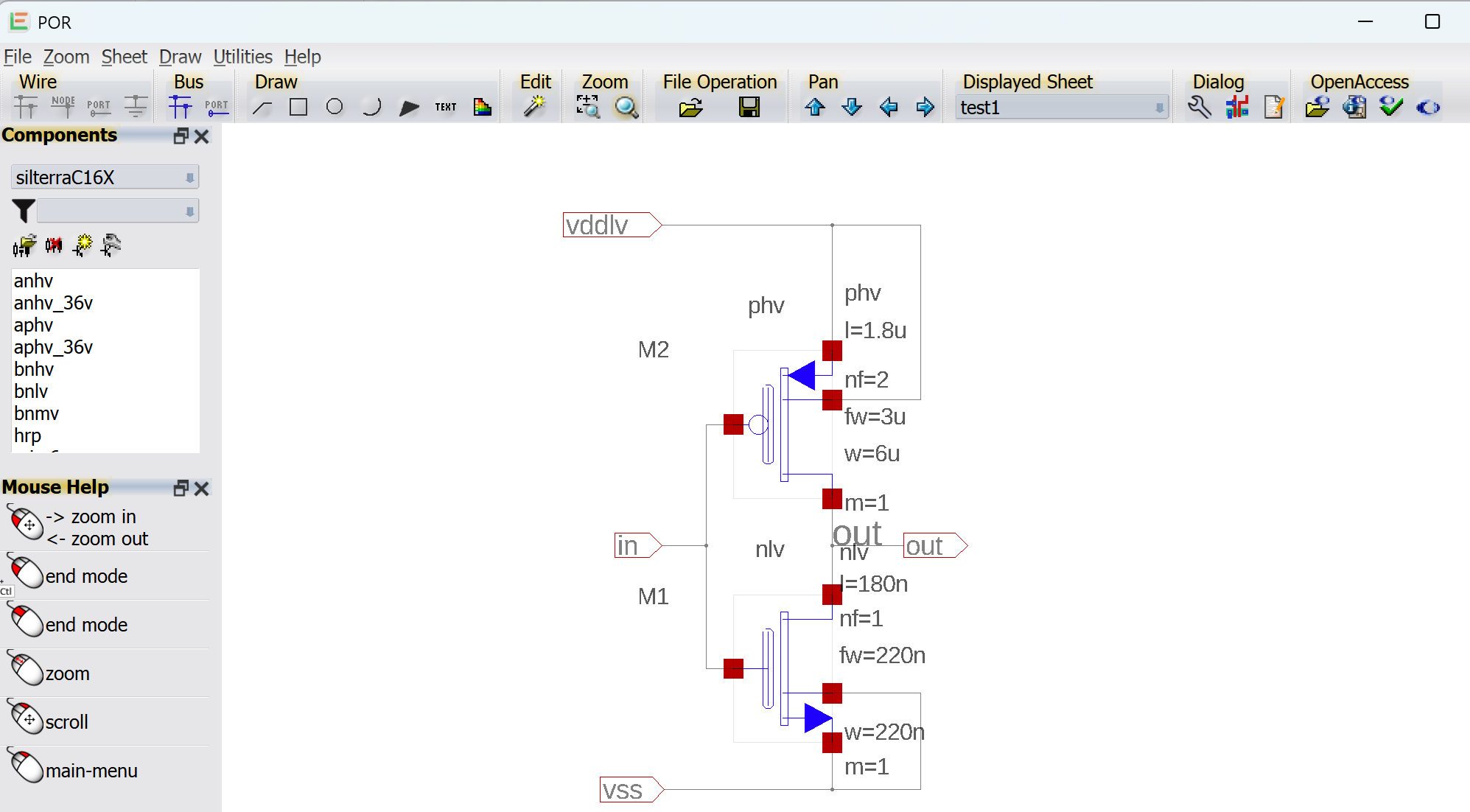
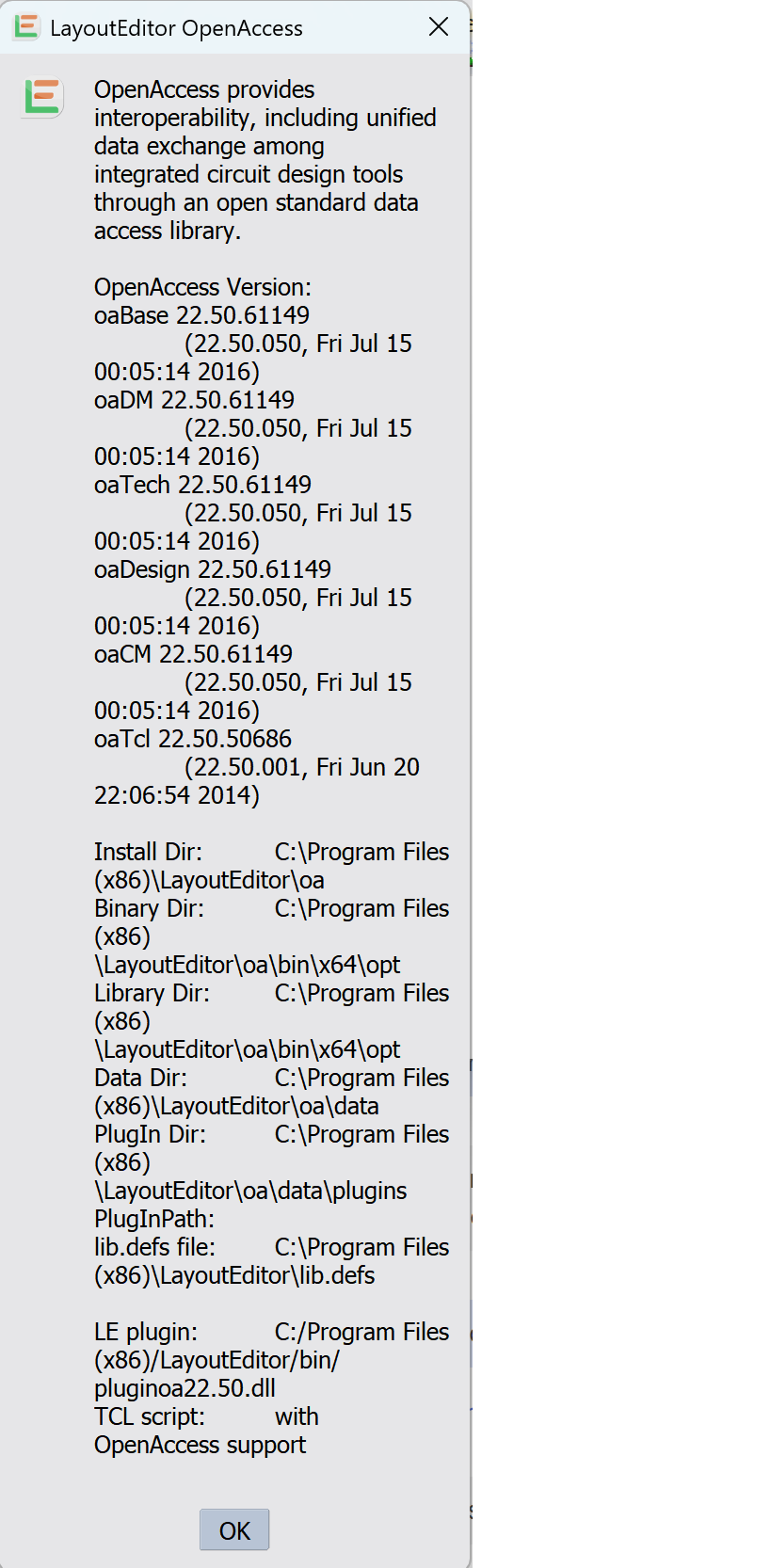
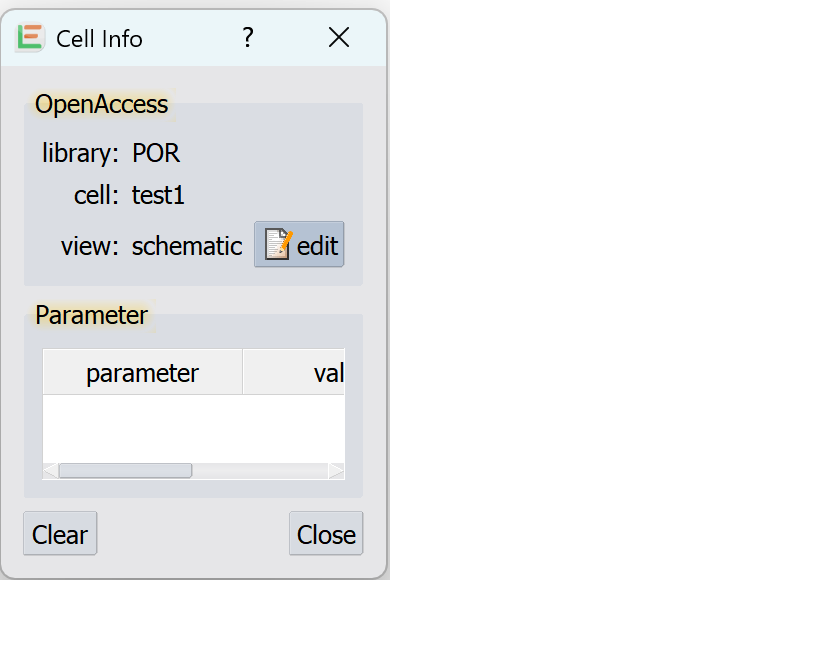
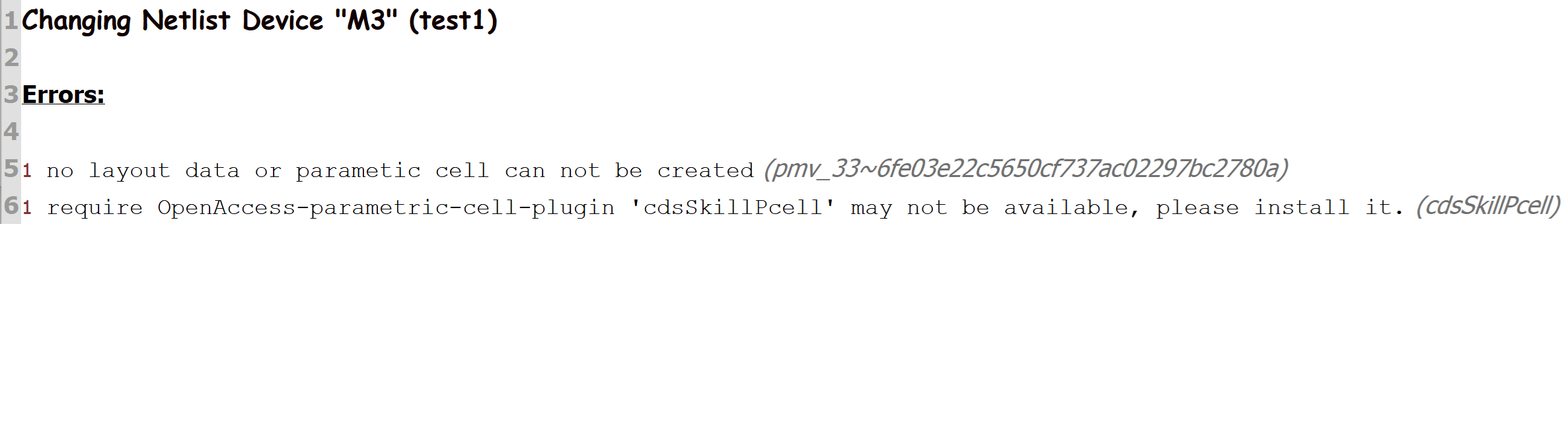
I am a newcomer to layoutEditor and I am trying to enter a simple schematic and save it. I have managed to read in an OA library and set up a new library for the schematics, and enter a schematic. The schematic looks OK. Before I added components from the library, I was able to save the schematic in an OA database (the schematic only contained ports and wires). Now that I have added devices from the attached library, when I save I get a message that says: "Save of OpenAccess schematic "test1" Fatal errors: 1 Aborted. " With no other explanation... So I am having difficulty to debug. What might I have done wrong, and is there a way to find out more details/clues when this occurs? The library was from a foundry supplied Cadence OA database that used Skill generators for layout of primitives, and so the first time I instance a symbol I get an error message about this (example attached), but the symbols are dropped into the schematic OK and thereafter seem to behave fine (and I can edit parameters OK). I am only interested in the schematics at this stage. But perhaps this is the reason it won't save? I would appreciate your help to resolve this.
LayoutEditorFull
Wednesday 4th March 2026
Attachments:
(only for registered users)
schematic.png
LayoutEditorOpenAccessInfo.png
LicenseInfo.png
CellInfo.png
first_instance_error_example.png
I am a newcomer to layoutEditor and I am trying to enter a simple schematic and save it. I have managed to read in an OA library and set up a new library for the schematics, and enter a schematic. The schematic looks OK. Before I added components from the library, I was able to save the schematic in an OA database (the schematic only contained ports and wires). Now that I have added devices from the attached library, when I save I get a message that says: "Save of OpenAccess schematic "test1" Fatal errors: 1 Aborted. " With no other explanation... So I am having difficulty to debug. What might I have done wrong, and is there a way to find out more details/clues when this occurs? The library was from a foundry supplied Cadence OA database that used Skill generators for layout of primitives, and so the first time I instance a symbol I get an error message about this (example attached), but the symbols are dropped into the schematic OK and thereafter seem to behave fine (and I can edit parameters OK). I am only interested in the schematics at this stage. But perhaps this is the reason it won't save? I would appreciate your help to resolve this.
Jürgen
LayoutEditorFull
Friday 6th March 2026 You are using a OpenAccess library that contains parametric cells. The core OpenAccess includes an interface for plug-ins that handle parametric cells, but any king of plug-in itself is not included. So to get the layout of an parametric cell the required plug-in needs to be installed separately. You error message points that your library uses SKILL. This plug-in is only available for Cadence customers. My recommendation is to check if your library exists also for Synopsys tools using PyCell as parametric cell plug-in. This plug-in can be downloaded on the Synopsys webpage without fees. Your core problem with saving the schematic is completely independent of this. I guess you have tried to add a cell to the existing (PDK) OpenAccess library and the file system of this library is write protected. Please setup a new own OpenAccess library and make it the working library. All new cell will then be store in this library.
LayoutEditorFull
Friday 6th March 2026 You are using a OpenAccess library that contains parametric cells. The core OpenAccess includes an interface for plug-ins that handle parametric cells, but any king of plug-in itself is not included. So to get the layout of an parametric cell the required plug-in needs to be installed separately. You error message points that your library uses SKILL. This plug-in is only available for Cadence customers. My recommendation is to check if your library exists also for Synopsys tools using PyCell as parametric cell plug-in. This plug-in can be downloaded on the Synopsys webpage without fees. Your core problem with saving the schematic is completely independent of this. I guess you have tried to add a cell to the existing (PDK) OpenAccess library and the file system of this library is write protected. Please setup a new own OpenAccess library and make it the working library. All new cell will then be store in this library.
Support forums are fading
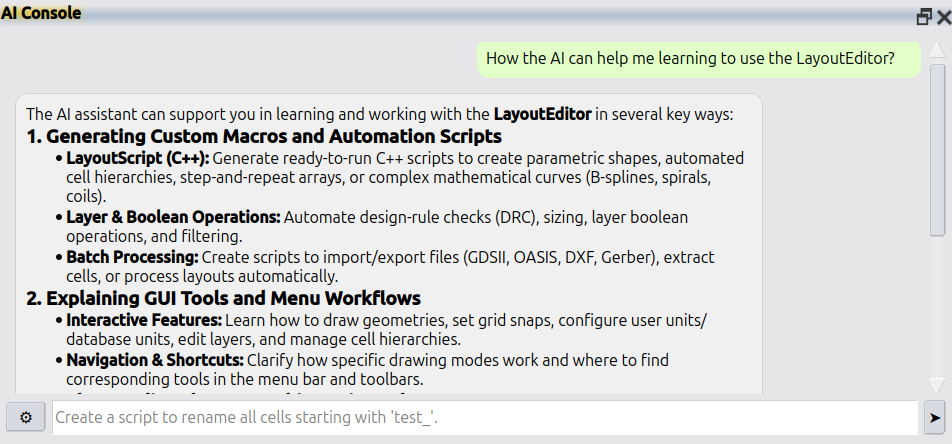
Support forums are fading because nobody wants to wait days for a reply. AI answers faster and better. LayoutEditor is no different: please use Help → AI Console in the LayoutEditor for all questions. If that is not enough, licensed users still have e-mail support at support@layouteditor.com. This forum remains available here as an archive.